
81 visualizer styles
Full-screen visualizers that move with whatever is playing.
The MCEqual equalizer for Android TV and Google TV. Ten bands on everything your TV or streaming box plays, a preset for each output, and a quick panel you open from the remote without leaving what you're watching.
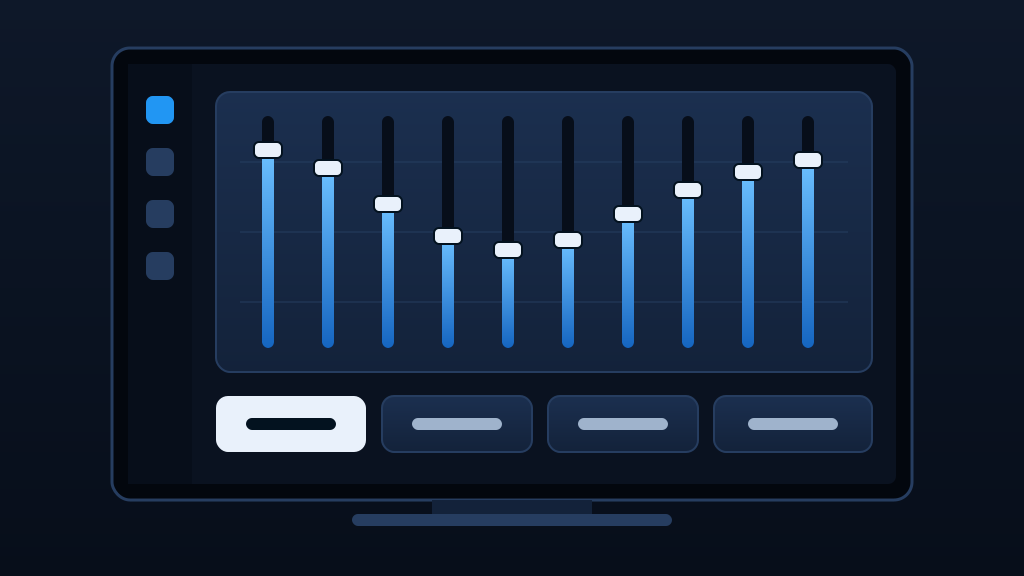
Illustration. Screenshots from the TV app are coming.
Ten bands on everything the TV plays, with Bass Boost and Master Gain on top. Start from a built-in preset for music, podcasts, movies or live TV, or make your own profile.
Every key, switch and slider is made for the D-pad: the one in focus turns white and lifts, so you can see where you are from the sofa.
MCEqual Max remembers a preset for the TV's own speakers, HDMI audio, a soundbar or receiver, Bluetooth and wired headphones, and switches to it by itself when the sound moves.
Hold Back on the remote in any app to change presets and volume without leaving it. A short press is still an ordinary Back.
The quick panel uses an Android accessibility service, because that's the only way an app can answer a remote button while another app is on screen. It looks at the Back button and nothing else: it can't read the screen or what you type.
Android blocks surround sound passthrough for up to 2 hours after any equalizer has been on, which can leave Netflix and Apple TV stuck loading. Surround Sound Passthrough in Setup leaves the TV's sound alone so they keep working, and MCEqual Max warns you when your TV is set up that way.
On TV boxes with their own equalizer, such as the onn 4K Pro, your EQ keeps playing through it with passthrough on.
Full-screen visualizers that move with whatever is playing.
Lyrics in time with the song, from lrclib.net. Only the song's title, artist, album and length are sent.
Each music or video app gets its own preset, switched automatically when it plays.
Up to 100% is the TV's own volume. Past it, MCEqual Max turns the sound up further, with a limiter to keep it clean.
Pick an accent color and the app's banner on the TV's home screen changes to match.
Microphone access only reads the sound the TV plays, for the visualizer. Nothing is recorded.
MCEqual Max for TV is in beta, so this list may change before release.
| Devices | TVs and streaming boxes with Android TV or Google TV |
|---|---|
| Android | Android 10 or newer |
| Outputs | TV speakers, HDMI, soundbar or receiver (HDMI ARC or eARC, optical, line out), Bluetooth, wired and USB |
| Languages | English, Arabic, Chinese, French, German, Hindi, Italian, Japanese, Portuguese, Russian and Spanish |
| Lyrics | Need an internet connection |