
System-wide
MCEqual runs on the car's audio output, so it reaches your music apps, even the ones that never announce themselves. It starts with the car and comes back on by itself when music starts.
A system-wide 10-band equalizer on your car's own screen. Pick a preset at a glance, keep your favorites one tap away, and fine-tune the sound while parked.

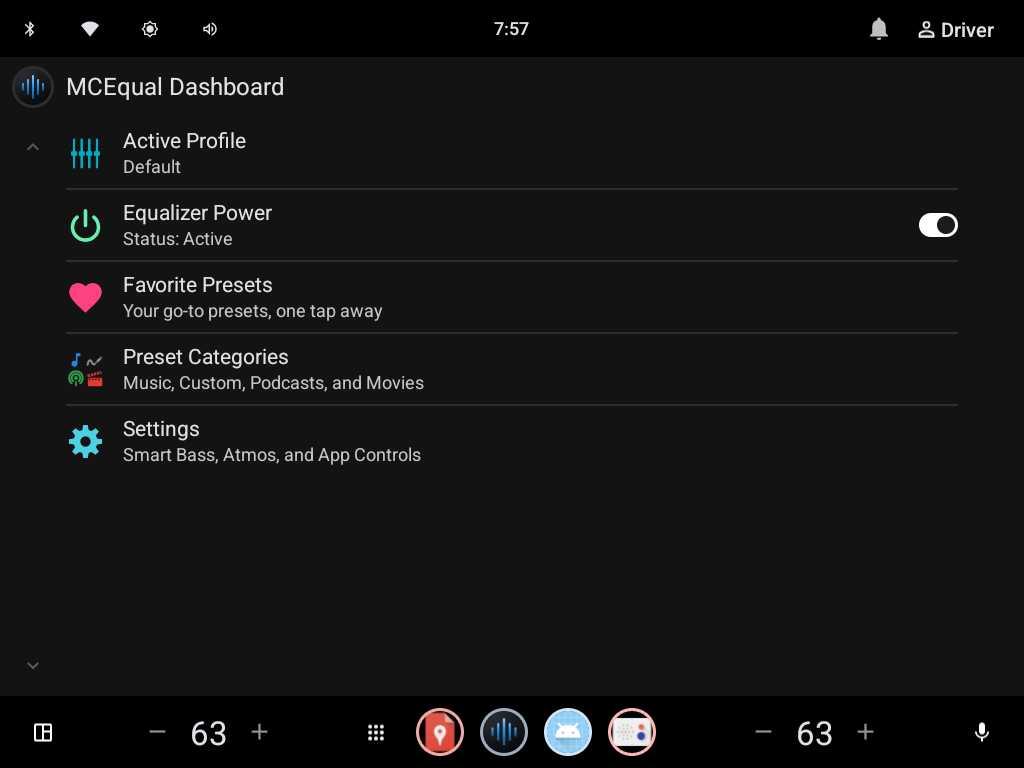
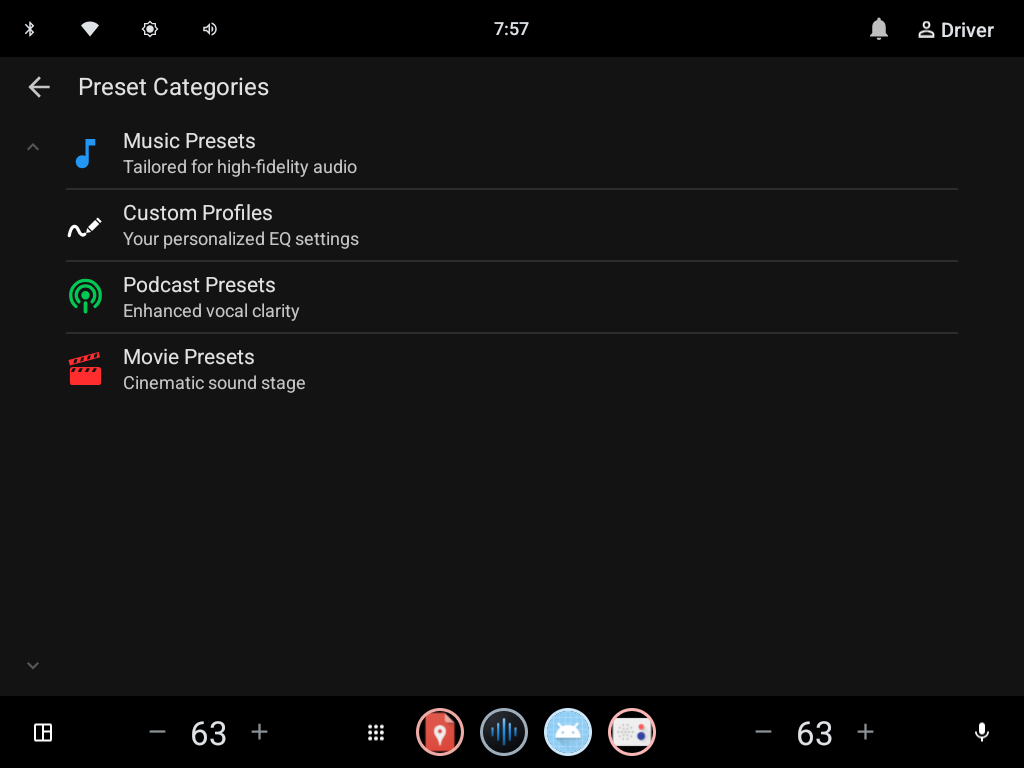
Tap a screenshot to see it full size.
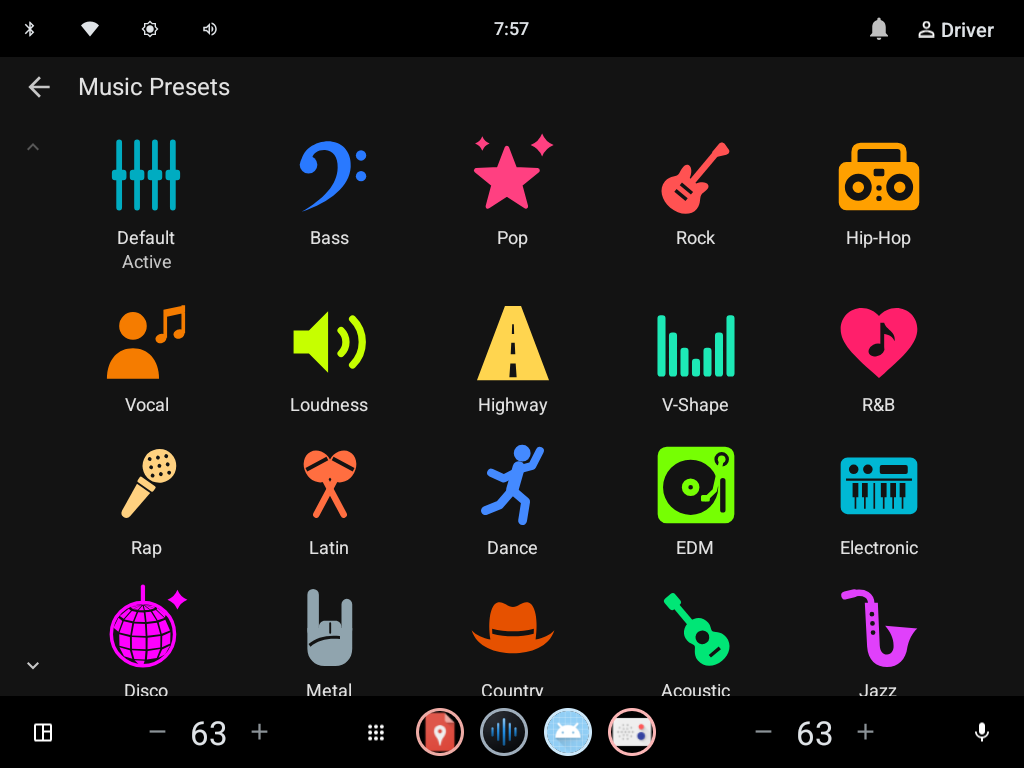
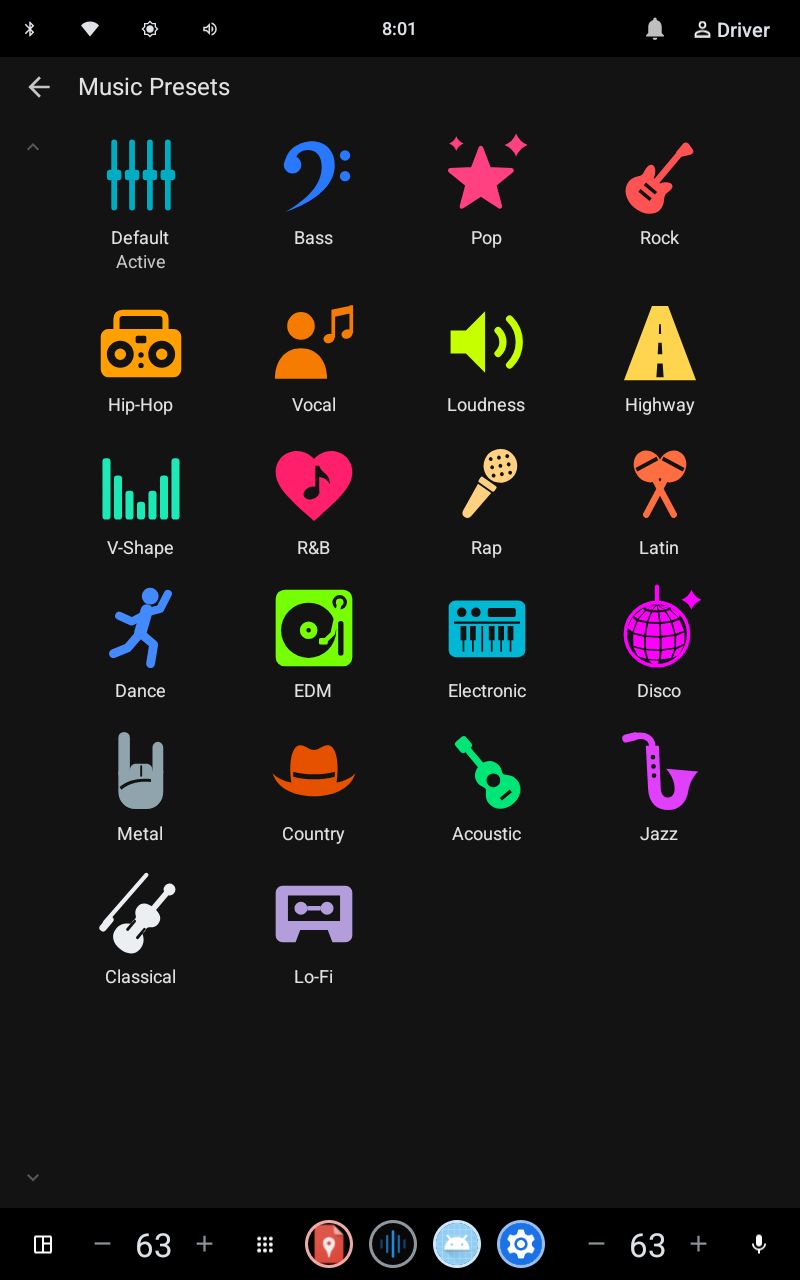
22 music presets, each with its own icon and colour, so you can find the one you want from the driver's seat. Keep your go-to presets as favorites on the dashboard, one tap away.
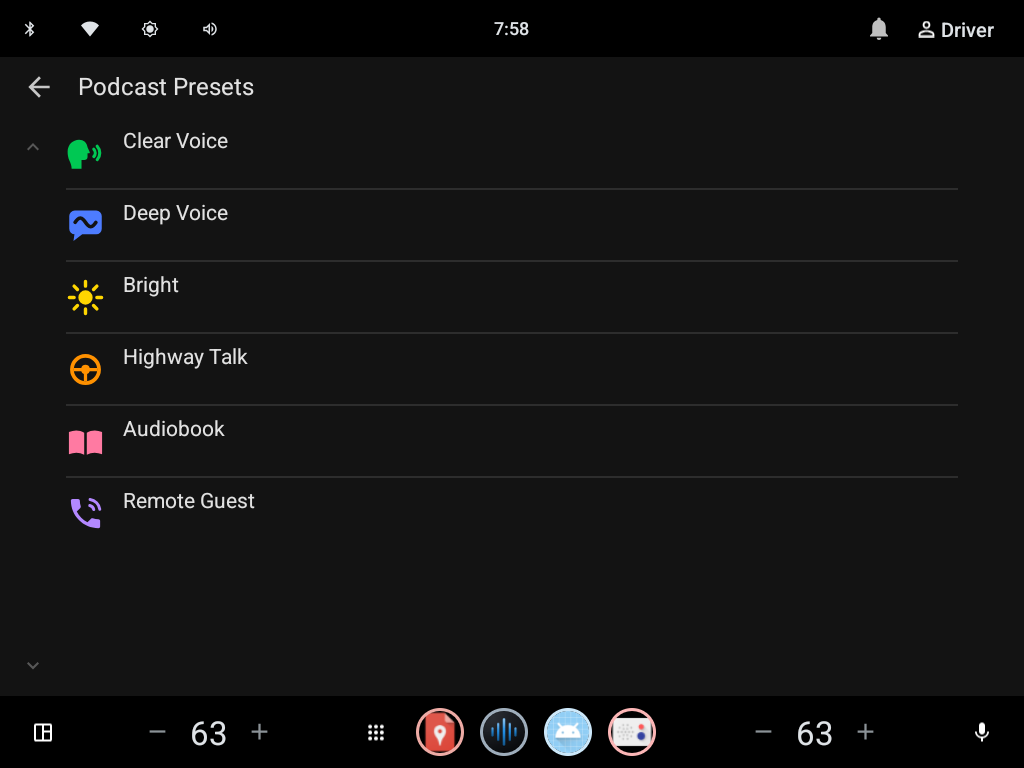
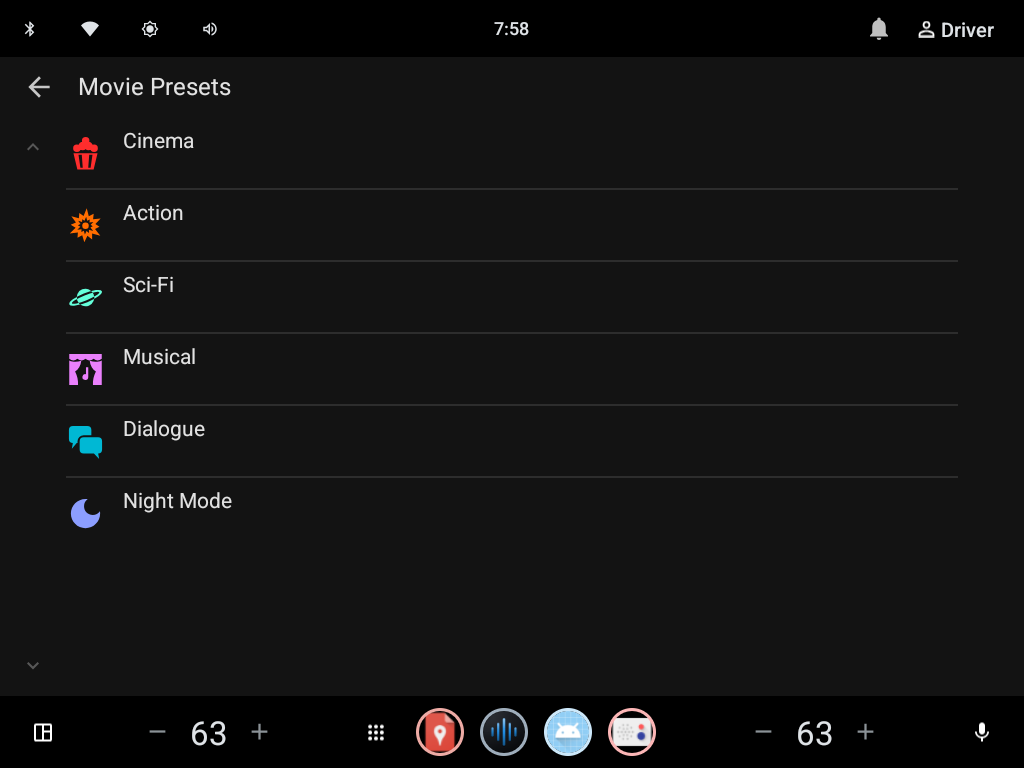
Podcast presets bring voices forward over road noise. Movie presets give video a cinematic sound stage. Both can be shown or hidden in Settings.
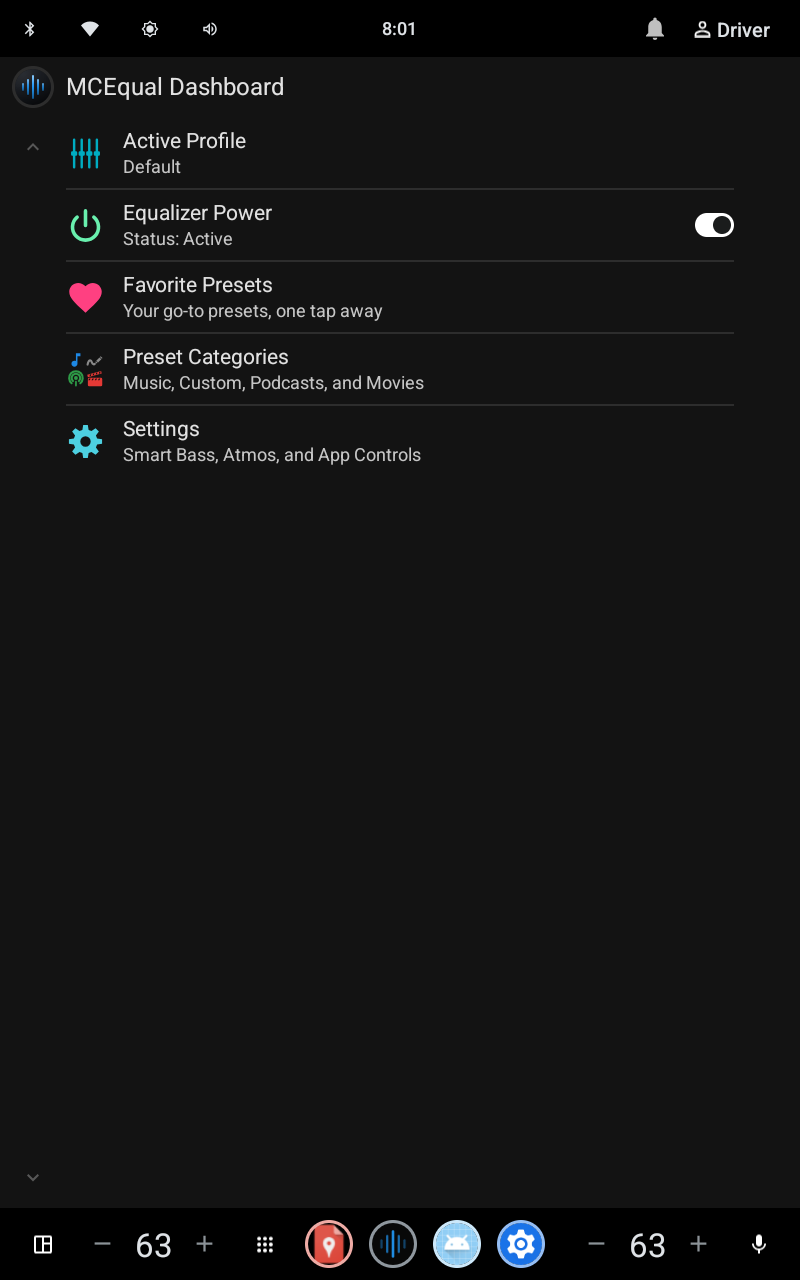
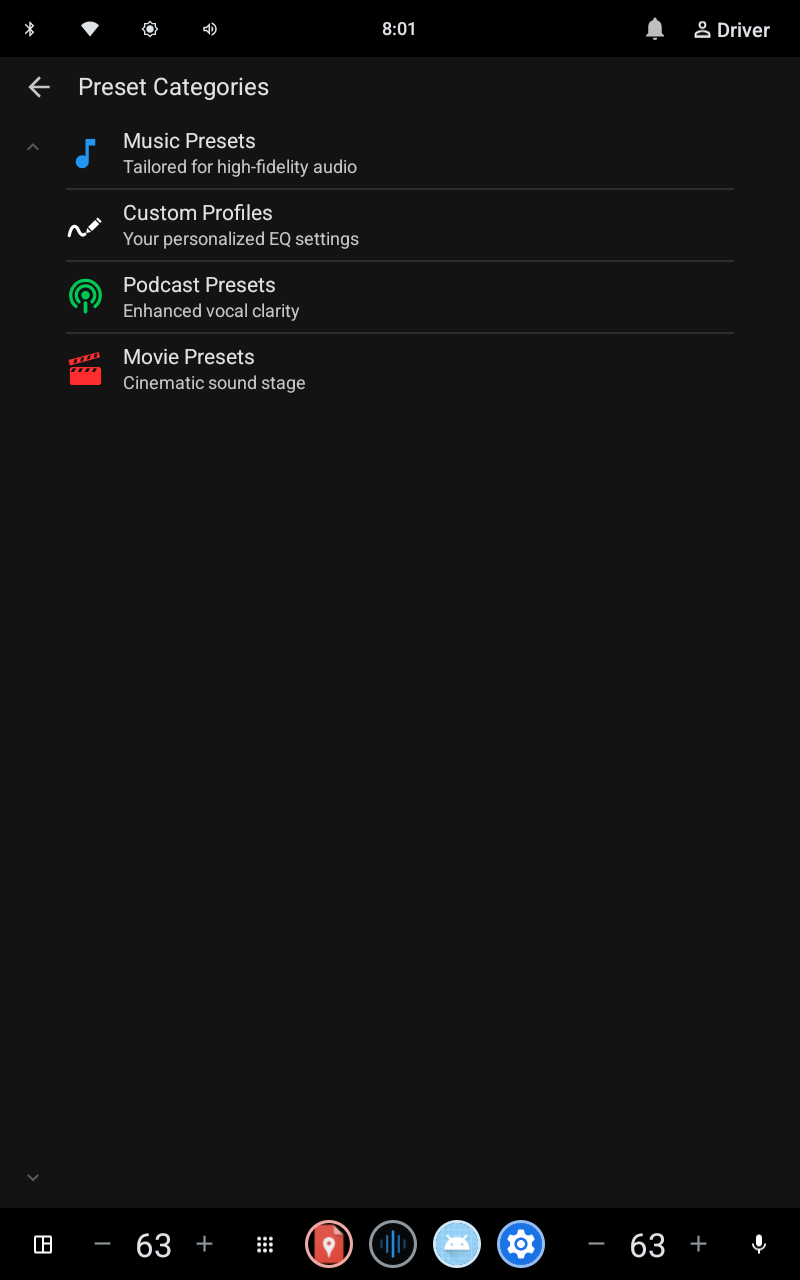
Built with Android's car templates, so it looks at home on landscape and portrait displays alike, and stays easy to use at a glance.
MCEqual runs on the car's audio output, so it reaches your music apps, even the ones that never announce themselves. It starts with the car and comes back on by itself when music starts.
Keeps loud songs from distorting by turning each preset down by its biggest boost. Turn the car's volume up to make up for it.
Turns the EQ off for a while so Dolby Atmos audio plays untouched, without uninstalling anything. Designed for Cadillac cars.
A hearing tone test makes a preset from how well you hear each band. Available while parked.
Editing presets, master gain and the tone test are there while parked. Anything not allowed in gear is hidden or locked while the car moves.
Import the presets you made in MCEqual Max on your phone, synced through your Google account.
Music, podcast and movie presets, each with an icon and colour you can pick out at a glance from the driver's seat.
 Default
 Bass
 Pop
 Rock
 Hip-Hop
 Vocal
 Loudness
 Highway
 V-Shape
 R&B
 Rap
 Latin
 Dance
 EDM
 Electronic
 Disco
 Metal
 Country
 Acoustic
 Jazz
 Classical
 Lo-Fi
 Clear Voice
 Deep Voice
 Bright
 Highway Talk
 Audiobook
 Remote Guest
 Cinema
 Action
 Sci-Fi
 Musical
 Dialogue
 Night Mode
Your car needs Android Automotive, the version of Android that runs the car's own screen (sometimes sold as “Google built-in”).
| Car's system | Android Automotive 10 or newer |
|---|---|
| Displays | Landscape and portrait |
| Sources | Music apps on the car's screen. AM/FM radio and some SiriusXM sources are handled by the car's own hardware, so MCEqual can't process them. |
| While driving | Presets and favorites. Editing, master gain and the tone test while parked. |
| Languages | English, Chinese, French, German, Italian, Japanese, Portuguese and Spanish |
MCEqual Ultra is a plug-in adapter that brings them to cars with Google built-in, wirelessly, with the equalizer on top.
MCEqual Max brings the same presets to your phone and Android Auto, with visualizers, synced lyrics and headphone correction.